


 Save to Google Drive
Step 1
Open the supplier product
Copy its link from AliExpress, Alibaba, Amazon, Temu or another supported site.
Resellers need catalog-ready photos for Amazon, eBay, Etsy and their own store. PeriGrab fetches original-resolution images from the product page so your listings do not start from a blurry thumbnail.
Works with AliExpress, Alibaba, Amazon, DHgate, Banggood, Temu, Shein and most shop links. If a site asks you to sign in, use the free Chrome extension.
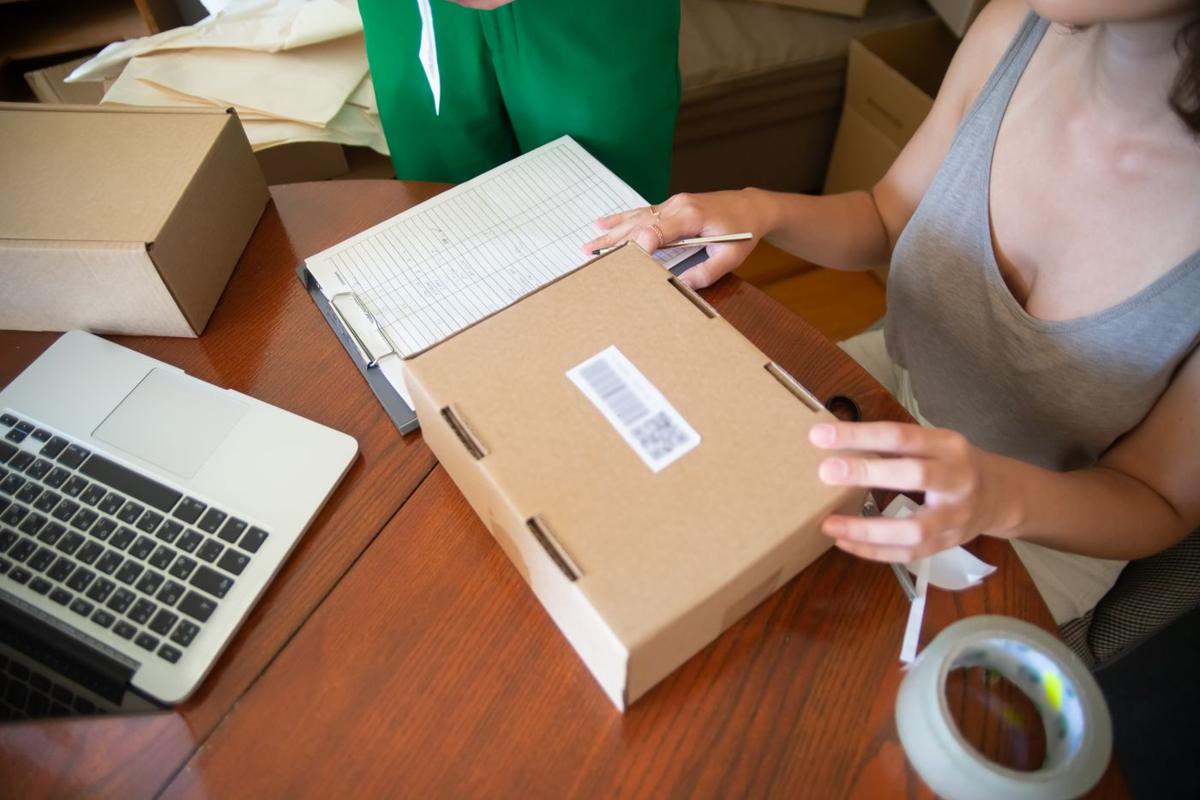
Marketplaces rank and convert listings with clear, large images, and many reject small or watermarked ones. Screenshots and right-click saves give you reduced-size files that look soft once a shopper zooms in.
Step 1
Copy its link from AliExpress, Alibaba, Amazon, Temu or another supported site.
Step 2
PeriGrab lists every gallery image at the highest resolution the page offers.
Step 3
Upscale small images and remove backgrounds for marketplaces that want a plain white one.
Step 4
Save the selected images as one ZIP and upload them to your channels.
Take a whole gallery in one click instead of saving files individually.
Enlarge images that come in under a marketplace's minimum size.
Compare photos from several suppliers for the same product before you choose.
PeriGrab does not add one. It saves the file as the marketplace serves it; if the seller's image already carries a logo, that remains.
Yes. The Chrome extension is free with unlimited downloads and needs no account. A free account adds 50 website extractions a month. Paid plans start at $3.99 a month and add more extractions and Google Drive sync.
Usually not: a pasted link works for AliExpress, Alibaba, Amazon and most shop pages. Pinduoduo, 1688, Taobao and similar sites often show product pages only to signed-in visitors; when a link can't be read, open the page in your own Chrome and use the extension.
Product photos belong to the seller or brand. Use them for research, or for listings only when you have the right to, and replace them with your own photos where the owner does not allow reuse.